
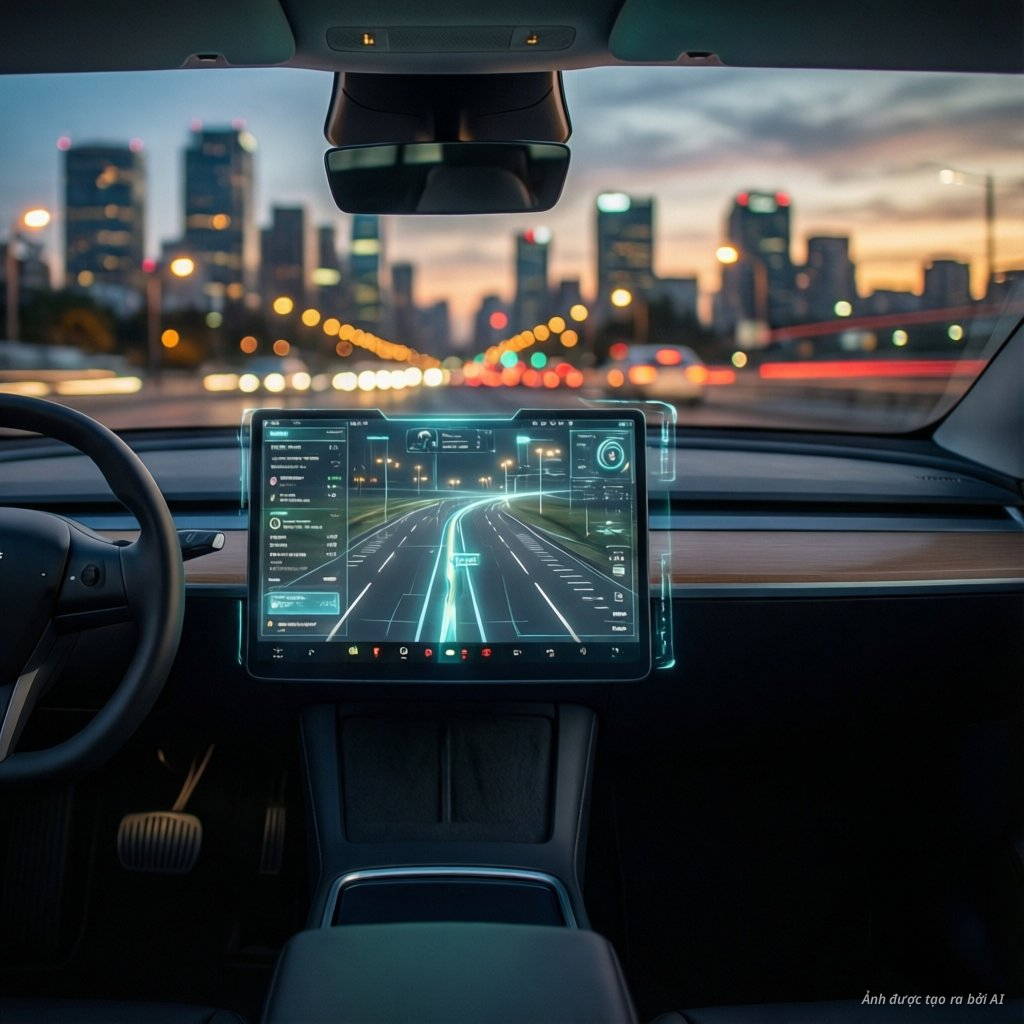
Modern driving demands constant attention to the road while processing a flood of digital information. A head-up display (HUD) solves this by projecting vital data directly into your line of sight. By personalizing your HUD, you transform a standard dashboard into a tailored cockpit that fits your specific needs [1].
Customization allows you to prioritize the data that matters most to your commute. Whether you prefer a minimalist look or a data-rich environment, the choice is yours. This level of control significantly reduces cognitive load while driving [2].
Why personalization matters for drivers
Every driver has unique preferences for how they receive information. Some drivers want constant updates on speed and fuel levels. Others prefer to see navigation cues and how advanced driver assistance systems enhance road safety through visual alerts. Personalization ensures that your display is never cluttered with unnecessary data [3].
By adjusting the display, you maintain focus on the traffic ahead. This is crucial for safety during high-speed driving or complex navigation. When you control the layout, you stay in command of your vehicle’s intelligence.
Key features you can customize
Most modern systems offer several layers of customization. You can start by selecting the specific content shown on your glass. Common options include:
- Real-time vehicle speed and gear status.
- Turn-by-turn navigation arrows.
- Adaptive cruise control distance markers.
- Lane departure warnings and blind-spot alerts.
Beyond content, you can adjust the physical positioning of the projection. You can change the height and focal distance to match your seating position perfectly. This ensures the information appears exactly where your eyes naturally rest [4].
Advanced display modes and themes
Many vehicles now offer distinct display modes for different environments. You can toggle between a simple night mode and a high-contrast daylight mode. These settings help maintain visibility regardless of external lighting conditions.
Furthermore, Continental Automotive highlights how software-defined vehicles allow for even greater flexibility. You can often save these preferences to a driver profile. Once you enter the car, your saved settings load automatically via your smart key or mobile app.
The rise of augmented reality
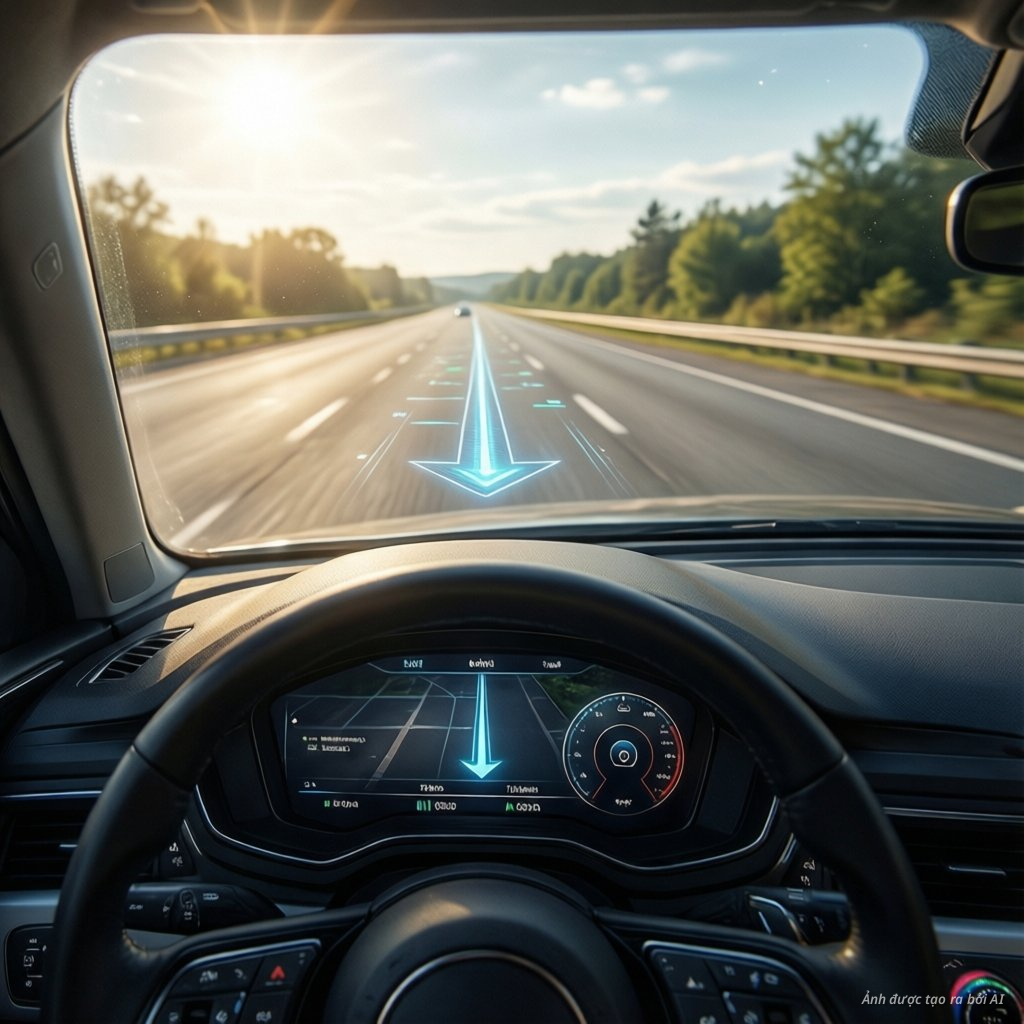
Augmented reality HUDs, or AR-HUDs, represent the next step in personalization. These systems project 3D graphics that align with the physical road. For example, a navigation arrow might appear to sit directly on the turn you need to take [2].
Personalizing an AR-HUD involves choosing how much “virtual” information overlays the real world. You can decide if you want subtle markers or more prominent guidance. This technology is rapidly evolving as the automotive HUD market continues to grow globally [3].
Safety and regulatory considerations
While personalization is powerful, safety remains the priority. Manufacturers follow strict guidelines to ensure displays do not distract the driver. You should always configure your HUD while the vehicle is stationary.
Regulatory bodies emphasize that information must be easy to read at a glance. Overloading the display with non-critical data can be dangerous. Always prioritize safety alerts like collision warnings over media information [5].
How to get started with your HUD
To begin customizing, access your vehicle’s primary infotainment menu. Look for a section labeled “Display” or “HUD settings.” From here, you can usually test different layouts and brightness levels.
If your car supports over-the-air updates, check for new software versions regularly. Manufacturers often release new UI features that expand your customization options. Staying updated ensures you get the most out of your automotive display technology.
The future of your driving experience
The future of driving is increasingly digital and intuitive. As user-centric automotive interior design becomes standard, HUDs will become even more adaptive. You can expect more AI-driven layouts that change based on your current route or traffic conditions.
By taking the time to personalize your settings today, you create a safer and more enjoyable driving experience. Explore your vehicle’s manual to discover the full range of hidden features available to you.
More Information
- Windshield HUD (W-HUD): A display system that projects images directly onto a specially coated layer within the windshield glass to prevent double imaging and provide a clear, focused view for the driver.
- Augmented Reality HUD (AR-HUD): An advanced projection system that overlays 3D graphics onto the real-world environment, helping drivers navigate and identify hazards with greater spatial awareness and minimal distraction.
- Virtual Image Distance (VID): The perceived distance at which the projected information appears to the driver’s eyes, allowing them to read data without needing to refocus from the road to the dashboard.
- Cognitive Load: The amount of mental effort being used in the working memory; in driving, minimizing this load through clear HUD design is essential for maintaining safety and situational awareness.
- Software-Defined Vehicle (SDV): A vehicle that manages its operations, adds new features, and improves performance through software updates, allowing for continuous enhancements to the user interface and HUD personalization.